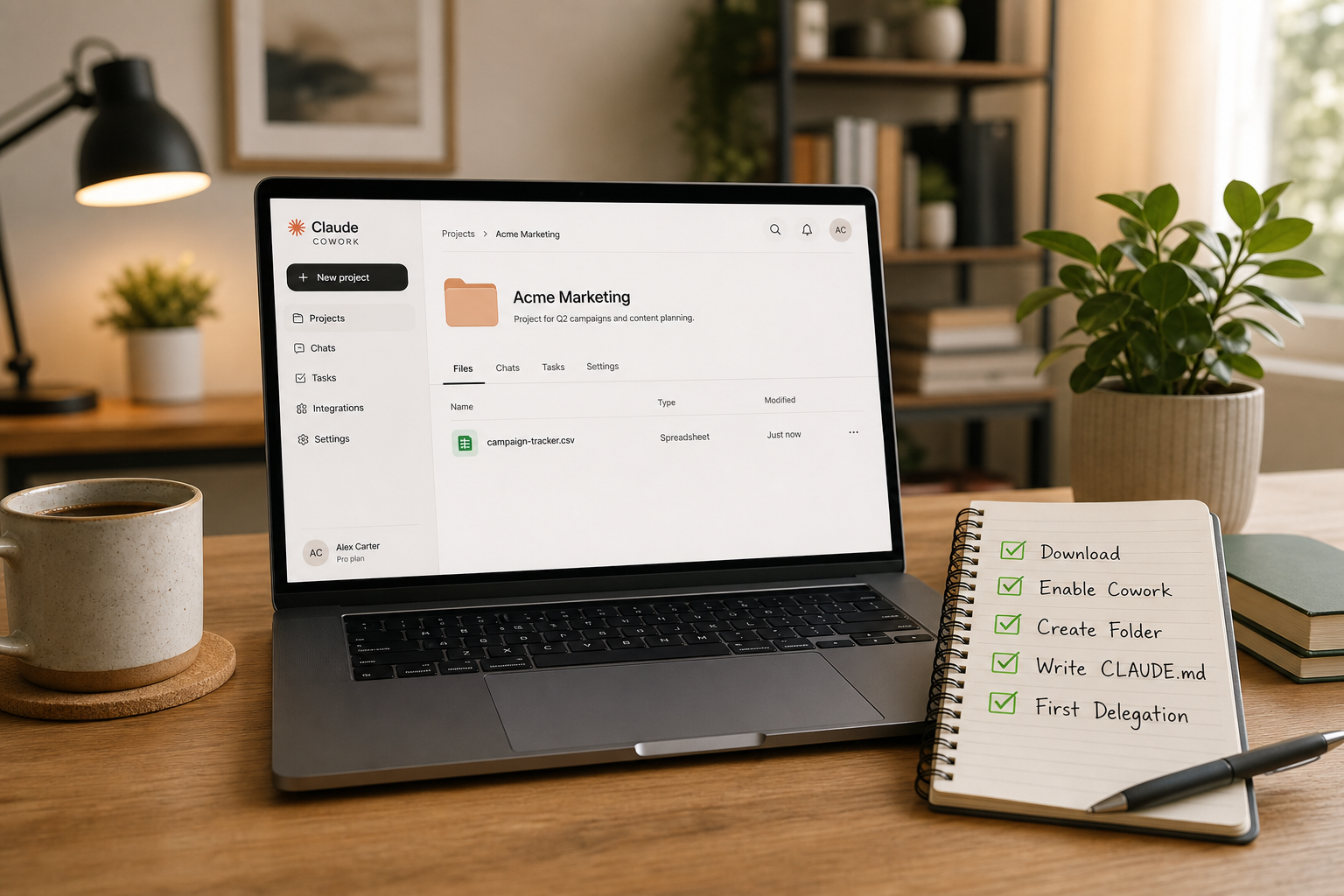
Master Claude Cowork in three stages designed for small business owners: set up without touching a terminal, run your first three copy-paste workflows, and write the CLAUDE.md employee handbook that makes Claude work like it knows your business. No coding. No IT background. Just results.
What you'll learn
Install Claude Desktop and enable Cowork mode without using a terminal
Write a complete CLAUDE.md using the 3-section template: Business Identity, Work Preferences, and Tools
Run the receipts-to-spreadsheet workflow and verify the output
Set up email triage: flag urgent items, draft replies, delete junk automatically
Organise years of messy business files by date, type, and project in one delegation
Build a personal workflow library and identify your next three repeatable tasks
Curriculum
7 lessons · 1h 30m total
1Why Claude Cowork Matters for Your Business
10 min
Chat vs Cowork: the mental model shift from prompting to delegating. What delegation means when the delegate is AI. Real examples of what business owners are doing with Claude Cowork: Receipts processing, Email triage, File organisation. Why the CLAUDE.md file is the key that unlocks reliable automation.
2Install Claude Desktop and Set Up Your Workspace
10 min
Download and install Claude Desktop on macOS or Windows. No terminal needed. Enable Cowork mode with a single toggle in Settings. Create your first project folder and understand why a dedicated workspace matters. Point Claude at your folder so it can read and write files.
3Master Your CLAUDE.md: The 10-Line Employee Handbook
20 min
The CLAUDE.md file is your employee handbook for Claude, and most people get it wrong. Learn the 3-section template that turns Claude from a chat tool into an employee who knows your business. Who You Are: the business context Claude needs to make good decisions. How You Want Claude to Work: specific, observable behaviors instead of vague wishes. Tools You Use: the software and systems Claude should know about. Includes real examples for accounting firms, retail shops, and independent consultants. Write yours in 5 minutes and upgrade every future interaction.
4Workflow 1: Receipts to Spreadsheet
15 min
Your first real workflow: turn a messy folder of receipts into a clean, dated, categorised spreadsheet. Copy and paste the exact prompt. Claude reads every receipt image or PDF, extracts dates, vendors, amounts, and categories. What to expect: Claude is accurate on printed receipts, less so on handwritten ones. Spot check three entries. The unreadable sheet becomes your review queue. Weekly time saved: 45 to 90 minutes.
5Workflow 2: Email Triage
10 min
Turn hours of email processing into a 30 second delegation. Export a batch of emails as .eml files or paste them into a text file. Copy and paste the exact prompt. Claude reads every email, decides if it is urgent, routine, or junk, drafts replies for urgent items, and produces a clean triage document. Important: this does not send emails. It prepares your responses. You review and send. Weekly time saved: 60 to 120 minutes.
6Workflow 3: File Organisation
10 min
Point Claude at a messy folder: your downloads, desktop, or a shared drive with years of inconsistently named files. Copy and paste the exact prompt. Claude renames every file using YYYY-MM-DD-Description.ext format, sorts them into subfolders by type (Invoices, Contracts, Reports, Other), and produces a complete before and after audit log. Weekly time saved: 30 to 60 minutes.
7Verify, Improve, and Build Your Workflow Library
15 min
The three rules for reliable workflows: Always spot check the output. Claude is fast but not perfect. Open the spreadsheet, read the drafts, glance at the file names. Keep your CLAUDE.md updated. When your business changes, update the file. When you find a workflow that works, add it as an example. Start specific, then generalise. A narrow, clear instruction outperforms a vague request every time. How to identify your next repeatable tasks. Building a personal workflow library inside your CLAUDE.md. From copy paste to your own workflow design.
Register your interest?
We will notify you at your registered email when enrolment opens for this course.
Keep learning
Related courses
Continue with adjacent skills and pathway friendly follow ups from the same catalog.