

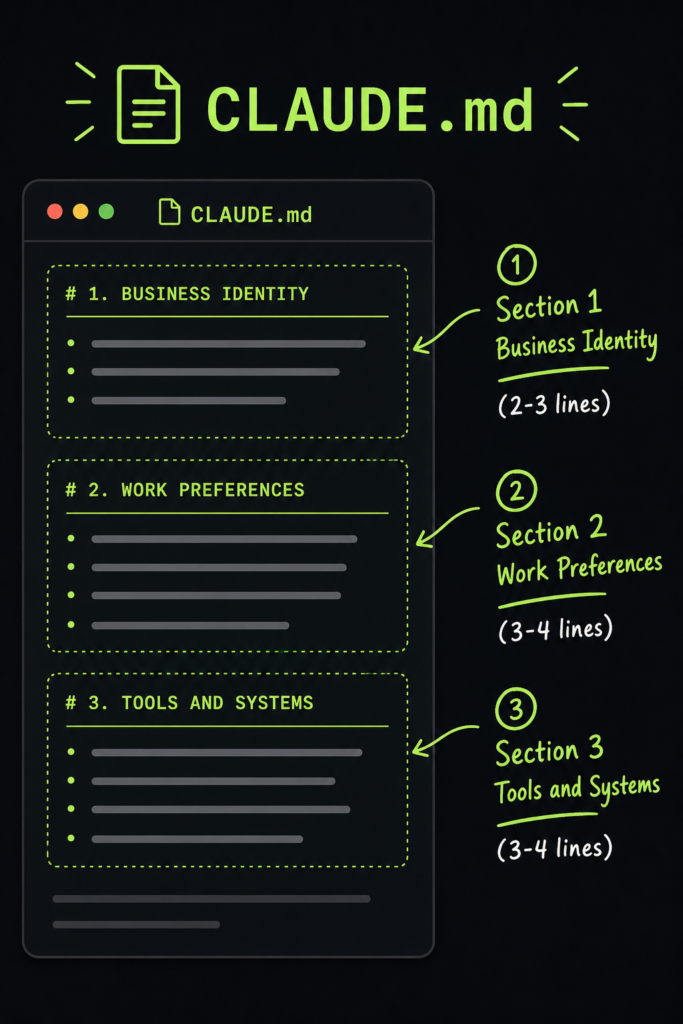
CLAUDE.md for Small Business Owners: Your 10-Line Employee Handbook
Part 3 of 3 in the Claude Cowork for Small Business Owners series.
Every Claude Cowork tutorial tells you to create a CLAUDE.md file. Almost none of them tell you what to put in it.
The result: business owners write things like “be helpful” and “do a good job.” Claude already tries to do those things. The file does nothing.
A good CLAUDE.md is not a wish list. It is an employee handbook. It tells Claude who you are, what you do, how you work, and what “done” looks like. Ten lines, written once, that make every future interaction better.
Here is how to write one.
Key takeaways
- A CLAUDE.md is a roughly ten-line employee handbook for Claude, not a wish list.
- Write three short sections: who you are, how you want Claude to work, and the tools you use.
- Replace vague lines like “be helpful” with specific, observable behaviours.
- Written once in about five minutes, it improves every future Claude interaction.
What is a CLAUDE.md file?
A CLAUDE.md is a short plain-text file in your Claude Cowork project folder that works like an employee handbook: it tells Claude who you are, what you do, how you work, and what “done” looks like. For setup and availability, see Anthropic’s official Get started with Claude Cowork guide.
How do you write a good CLAUDE.md?
Write three short sections: who you are, how you want Claude to work, and the tools you use. Keep it to about ten lines, and replace vague instructions like “be helpful” with specific, observable behaviours such as “summarise what you did in 2-3 sentences.” It takes about five minutes.
Here are the three sections:
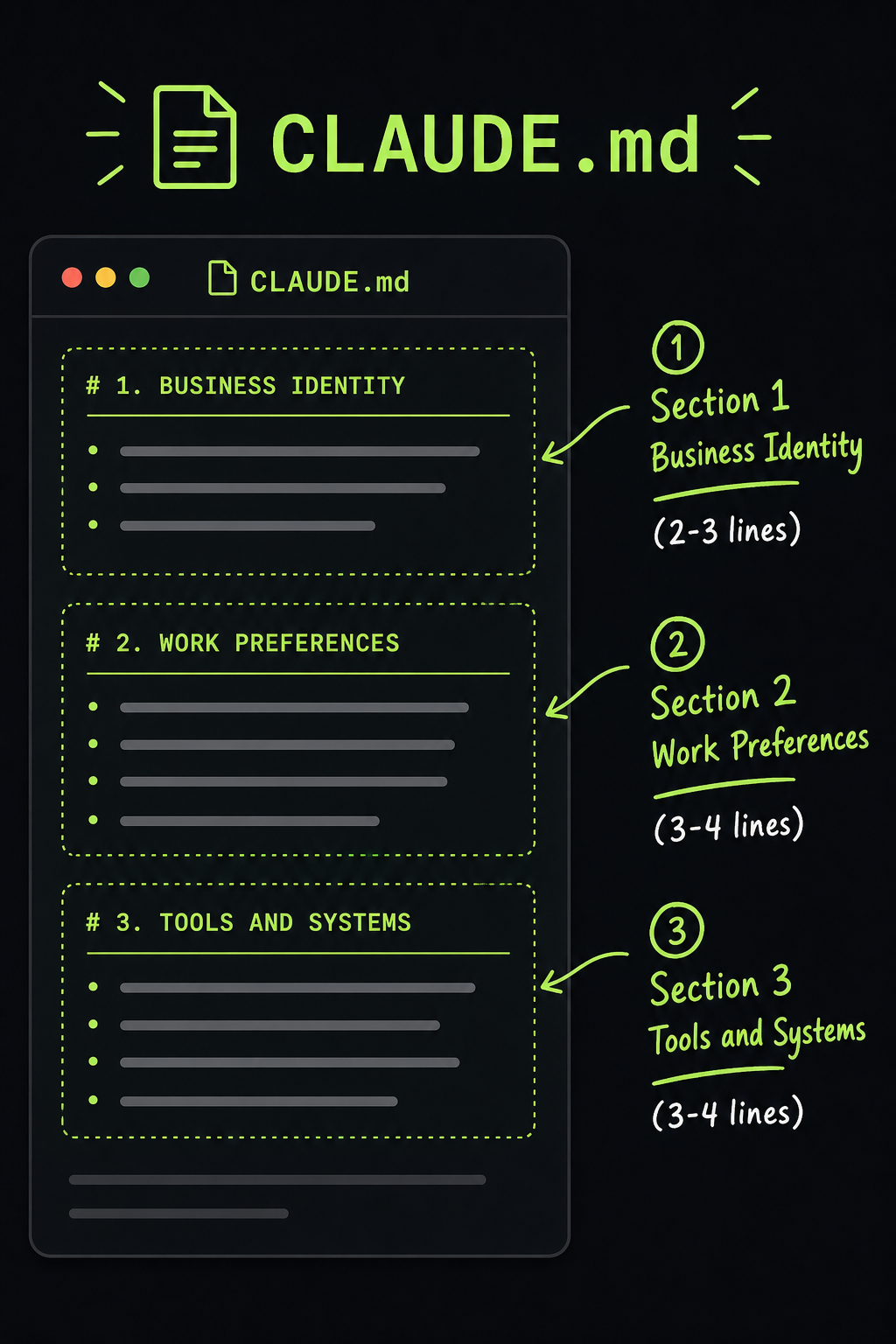
Section 1: Who You Are (2-3 lines)
This is not your job title. It is context Claude needs to make good decisions.
Bad: “I am a business owner.”
Good: “I run a 4-person accounting firm serving 35 small business clients. Our work involves monthly bookkeeping, GST filing, and year-end financial statements.”
The good version tells Claude what kind of tasks to expect, what level of detail matters, and what “correct” looks like. It knows GST filing requires accuracy. It knows financial statements have standards.
Template:
# About My Business

I run a [size] [industry] business with [number] employees.
We serve [number] [type of clients].
Our core work involves: [task 1], [task 2], [task 3].
Section 2: How You Want Claude to Work (3-4 lines)
This is where most CLAUDE.md files fail. People write “be helpful” which Claude already does. Instead, describe specific behaviors you want.
Bad: “Be professional and accurate.”
Good:
# How I Want You to Work

- When you finish a task, summarise what you did in 2-3 sentences.
- If you are unsure about something, ask before doing it.
- Never delete or modify existing files without asking first.
- Save all new files in the same project folder. Use clear, descriptive filenames with dates.
Each line is a concrete, observable behavior. “Summarise in 2-3 sentences” is testable. “Never delete files” is a safety rule. “Use clear filenames with dates” is a convention.
Template:
# How I Want You to Work

- When you finish a task, [specific output expectation].
- If you are unsure, [specific escalation rule].
- Never [specific prohibition].
- Always [specific convention].
Section 3: Tools and Systems You Use (3-4 lines)
Claude cannot access your Xero account or your Gmail by itself. But telling it what tools you use helps it frame its output in your context.
Bad: “I use software.”
Good:
# Tools I Use

- Xero for accounting (invoices, bills, bank reconciliation)
- Google Workspace for documents, email, and calendar
- WhatsApp for client communication
- Dropbox for shared files with my accountant
When you later ask Claude to draft an invoice, it knows you use Xero and can format accordingly. When you ask it to summarise client communications, it knows WhatsApp is relevant.
Template:
# Tools I Use

- [Tool 1] for [purpose]
- [Tool 2] for [purpose]
- [Tool 3] for [purpose]
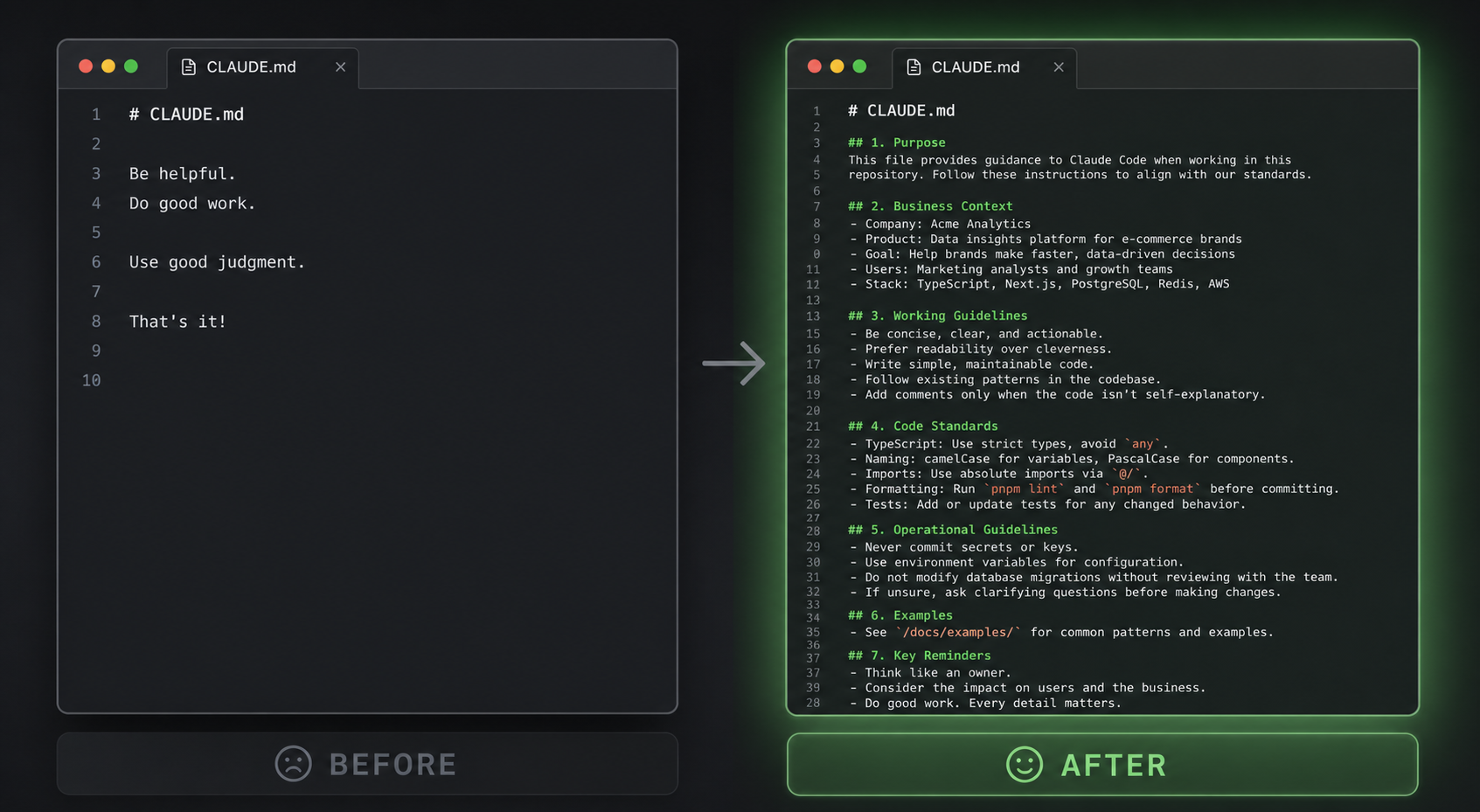
The Full Template
Here is everything together. Copy this. Change the details. Save it as CLAUDE.md in your project folder.
# About My Business

I run a [size] [industry] business with [number] employees.
We serve [number] [type of clients].
Our core work involves: [task 1], [task 2], [task 3].

# How I Want You to Work

- When you finish a task, summarise what you did in 2-3 sentences.
- If you are unsure about something, ask before doing it.
- Never delete or modify existing files without asking first.
- Save all new files in the same project folder with descriptive, dated filenames.

# Tools I Use

- [Tool 1] for [purpose]
- [Tool 2] for [purpose]
- [Tool 3] for [purpose]
That is 10 lines when filled in. It takes 5 minutes to write. It makes every future Claude interaction better.
Real Examples by Business Type
Accounting Firm
# About My Business

I run a 3-person accounting firm serving 40 small business clients.
Our work involves: monthly bookkeeping, GST filing, payroll, and year-end financial statements.

# How I Want You to Work

- When you finish a task, list exactly which files you created or modified.
- Round all dollar amounts to two decimal places.
- If a client name appears in a document, flag it for my review.
- Never delete or move existing files.

# Tools I Use

- Xero for accounting
- Google Drive for client documents
- Gmail for client communication
- IRAS portal for tax filing
Retail Shop
# About My Business

I run a retail shop with 2 employees selling home decor and gifts.
We process 30-50 sales per day and restock weekly.
Our core work involves: inventory tracking, supplier orders, customer inquiries, and social media.

# How I Want You to Work

- When analysing sales data, show me trends, not just totals.
- Draft customer replies that are warm and personal, not corporate.
- If a supplier name appears, cross-reference it with our supplier list in suppliers.md.
- Save all output as files I can open in Excel or Google Sheets.

# Tools I Use

- Square for point of sale
- Shopify for online orders
- Instagram and WhatsApp for customer contact
- Google Sheets for inventory tracking
Independent Consultant
# About My Business

I am an independent marketing consultant with 8 active clients.
I deliver strategy documents, campaign reports, and monthly analytics.
My work is project-based with fixed deliverables and deadlines.

# How I Want You to Work

- When drafting client documents, use plain English. No jargon.
- Always include a "Next Steps" section at the end of any client-facing document.
- If a deadline is mentioned, add it to a summary table at the top of the document.
- Save drafts with the naming pattern: ClientName-DocumentType-Date.md

# Tools I Use

- Notion for project management
- Google Docs for client deliverables
- Slack for client communication
- Stripe for invoicing
What happens after you write your CLAUDE.md?
The next time you ask Claude to do something, it already knows your business. You do not have to explain that you are an accountant every time. You do not have to remind it to use two decimal places. You do not have to ask for a summary.
You say: “Draft the monthly bookkeeping summary for Client X.” Claude reads your CLAUDE.md, knows you are an accountant, knows to round to two decimals, knows to flag client names, knows to save it in your project folder with a dated filename. And it does.
That is the difference between a chat tool and an employee. Ten lines. Five minutes. Permanent upgrade.
Frequently asked questions
What should a CLAUDE.md file contain?
Three short sections: who you are (industry, size, core work), how you want Claude to work (concrete behaviours and rules), and the tools you use. Filled in, it is about ten lines and takes five minutes to write.
How long should a CLAUDE.md file be?
About ten lines. A CLAUDE.md is a focused employee handbook, not a manual — three tight sections beat a long wish list, and you can grow it over time as you find rules and examples worth adding.
Why isn’t my CLAUDE.md making a difference?
Usually because it contains vague instructions like “be helpful” or “be professional” — things Claude already does. Replace them with specific, observable behaviours such as “summarise what you did in 2-3 sentences” or “never delete files without asking.”
Next Steps
Series navigation: ← Part 2: Your First 3 Workflows
If you have not set up Claude Cowork yet, start with our absolute beginner guide:
Read: Claude Cowork for People Who Have Never Used a Terminal
If you are ready to put your CLAUDE.md to work with real business workflows:
Read: Your First 3 Claude Cowork Workflows (No Coding Required)
And if you want to go deeper with structured learning, templates, and verification: